Glyco on your iPhone, and on the web.
- Free
- iPhone and Apple Watch
- Android and laptops in the browser
Download on the App Store
Glyco reads Apple Health and sends planned sessions to your Apple Watch.

Open Glyco on the web
The same app, with the same account, in any browser.
Open on the web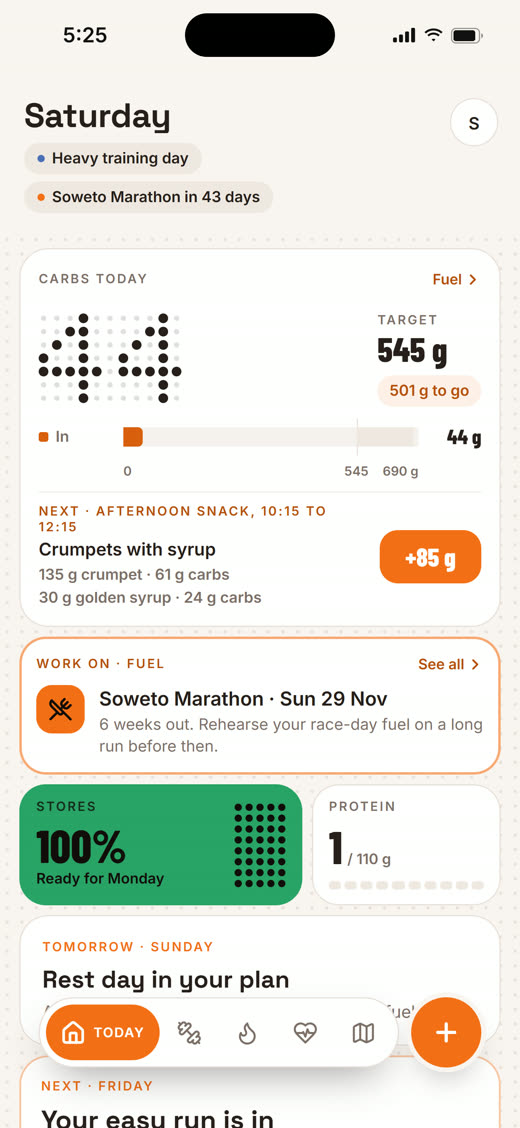
Today
Your day, set around your training.
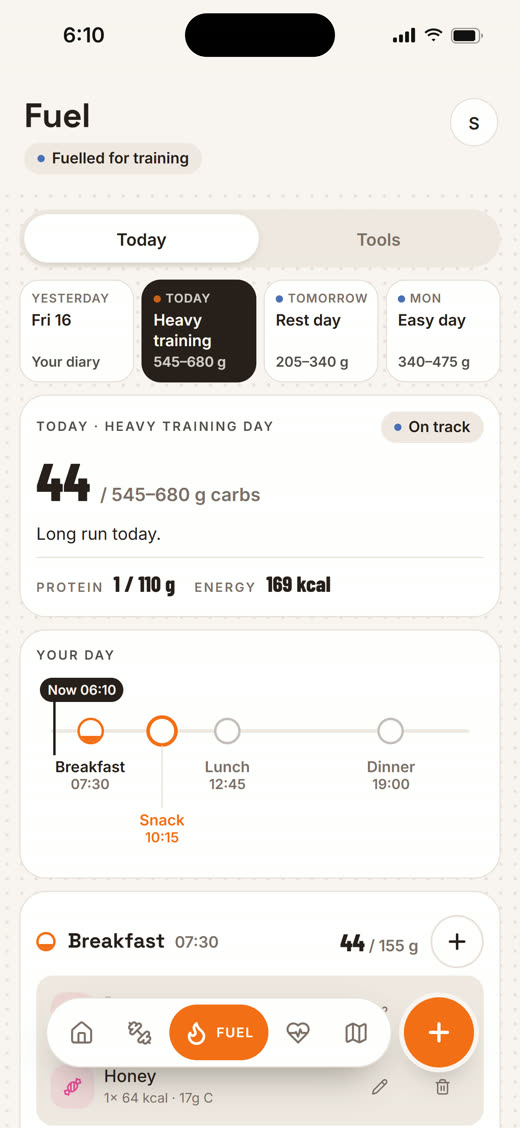
Fuel
The carbs your sessions need, and when.
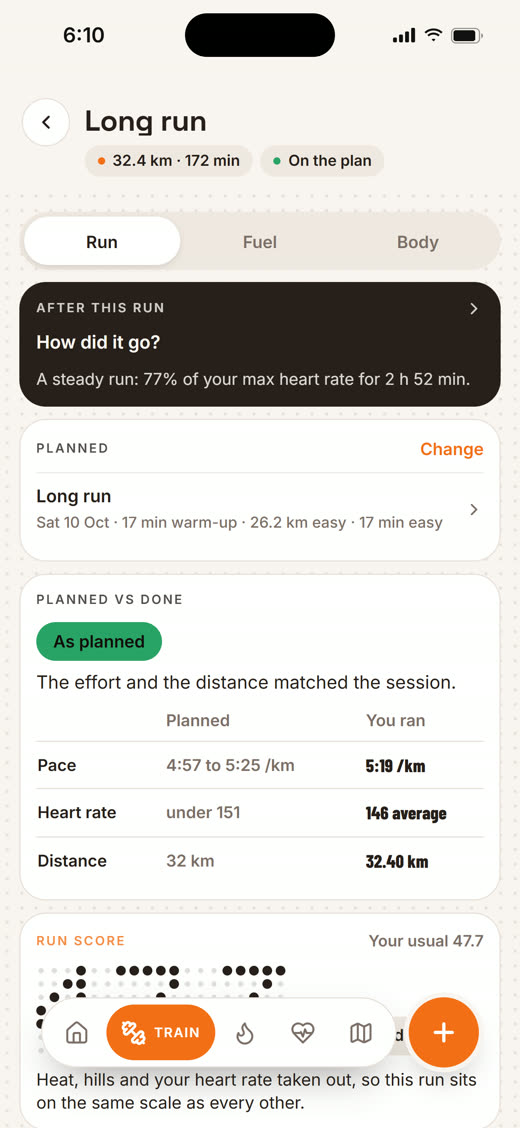
Every session
Read against your plan, fuel and recovery.
Questions before you download
Is Glyco free?
Yes. Glyco is free on iPhone and on the web, for runners, cyclists and triathletes.
Is there an Android app?
On Android, Glyco runs in your browser at glyco.co.za/app. It is the same app, with the same account, and you can add it to your home screen.
Do I need an account?
Not to plan a race: the race planner works in full without one. You sign up to save your plan and to connect Strava or Apple Health.
Does it work with my watch?
Your sessions come in from Garmin and other watches through Intervals.icu, and from Apple Watch through Apple Health. A planned session can go back to your watch: Apple Watch, Garmin, a .fit file or Zwift.